
How to convert your Symbolics keyboard to USB
Publish date: Apr 6, 2009
Last updated: Feb 10, 2013
I spent another hour finishing up the Teensy based Symbolics keyboard converter. The software now works as well as the PS/2 version, and uses the same keyboard translation table generation tool. Converting a keyboard should now be doable for anyone who has basic soldering skills.Last updated: Feb 10, 2013
What you'll need:
- Teensy (The photos show a build with the obsolete Teensy 1.0)
- USB cable (B type)
- 6-pin .1'' header
- Some wire
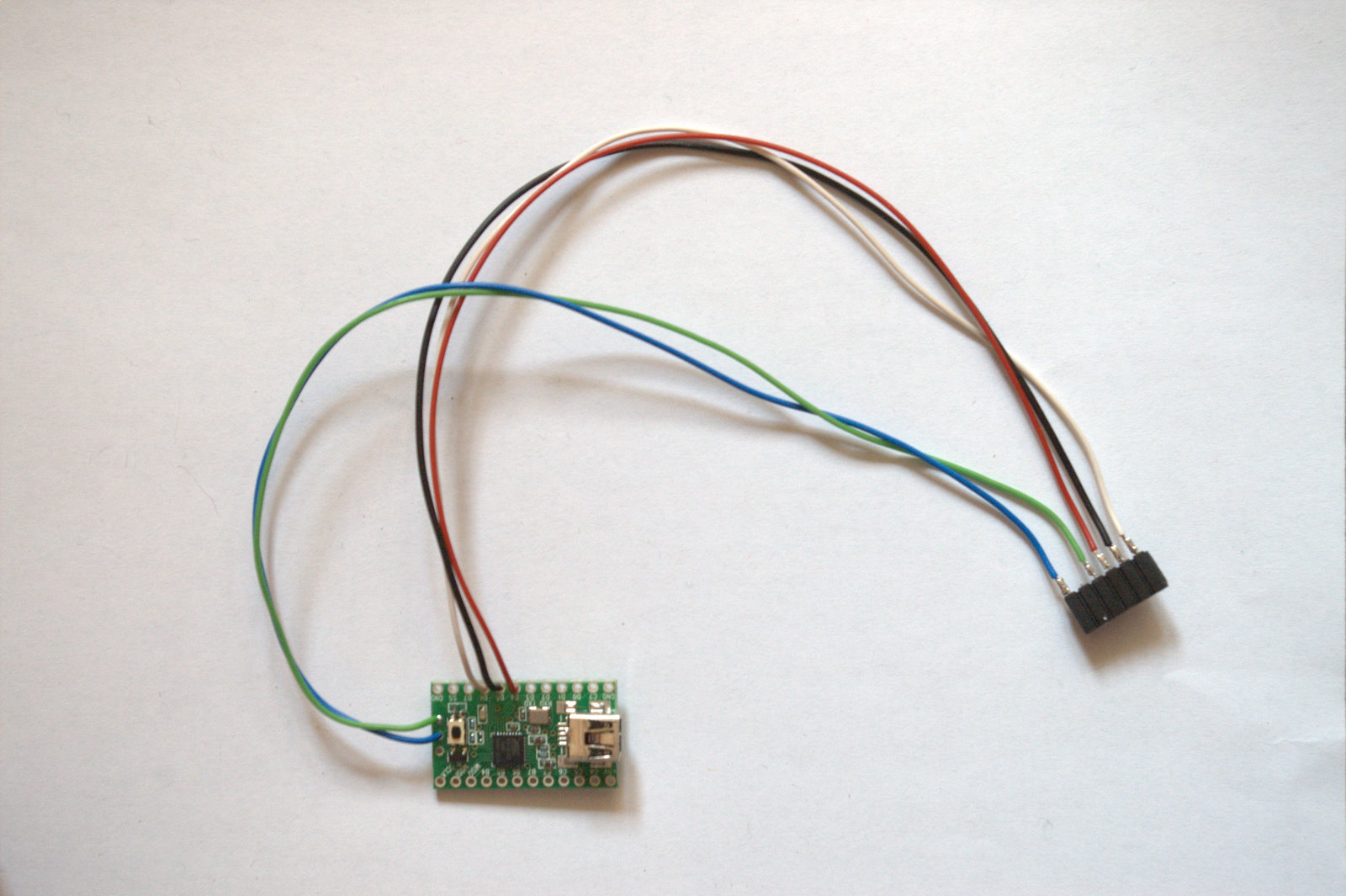
Get five pieces of wire, about 5 inches long. Solder them to the 6 pin header, leaving pin 2 unconnected. Connect the other ends to the Teensy.
| pin # | color | teensy pad | function |
|---|---|---|---|
| 1 | blue | GND | |
| 2 | (not connected) | ||
| 3 | green | 5V | |
| 4 | red | D4 | DIN |
| 5 | black | D5 | CLK |
| 6 | white | D6< | CLR |
Yes, 5V and GND were swapped in my original post, sorry and thanks to Gene Diveglia for reporting
When building with a Teensy 2.0, connect the D4, D5, and D6 pins as printed on the Teensy PCB.
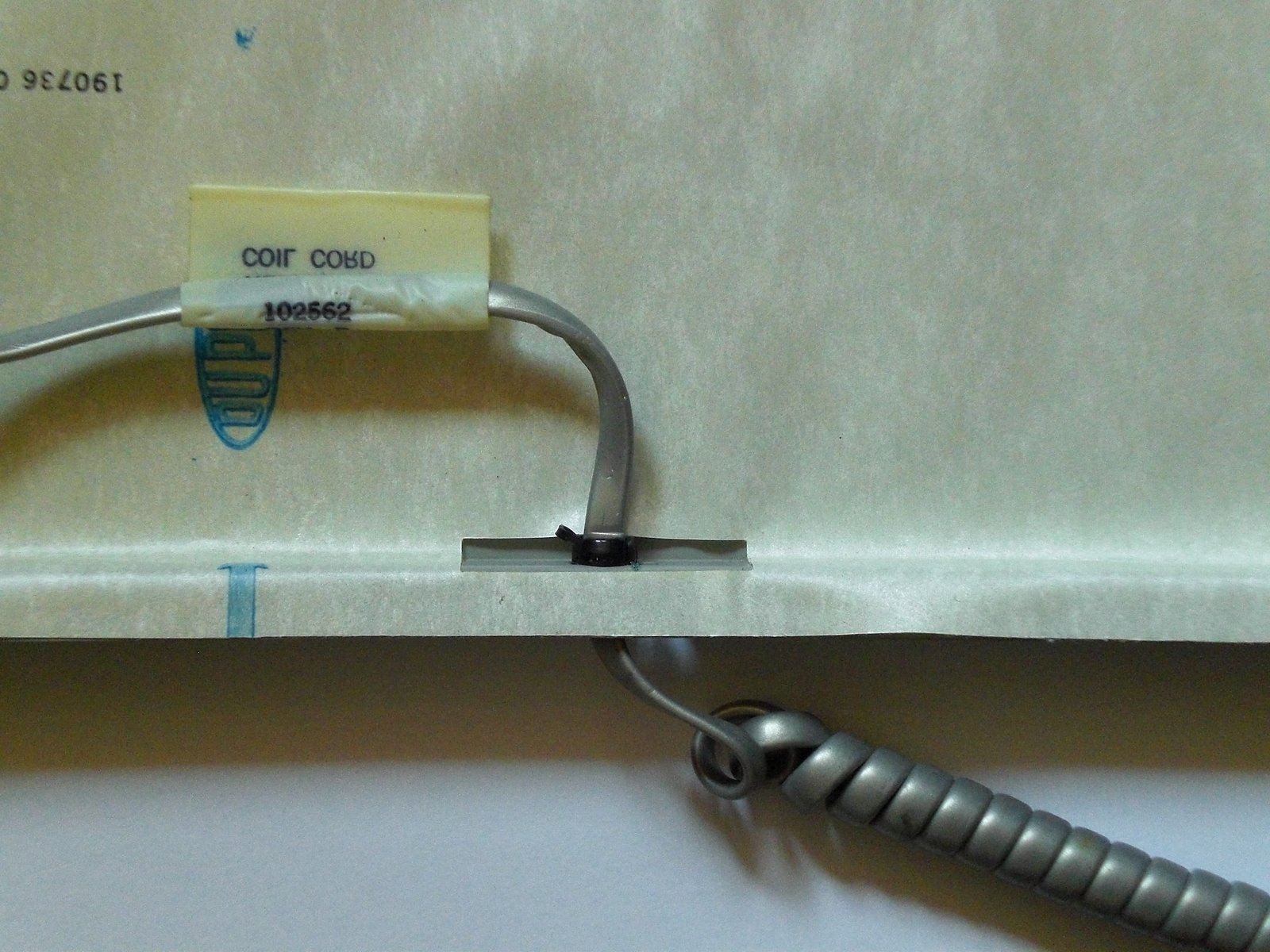
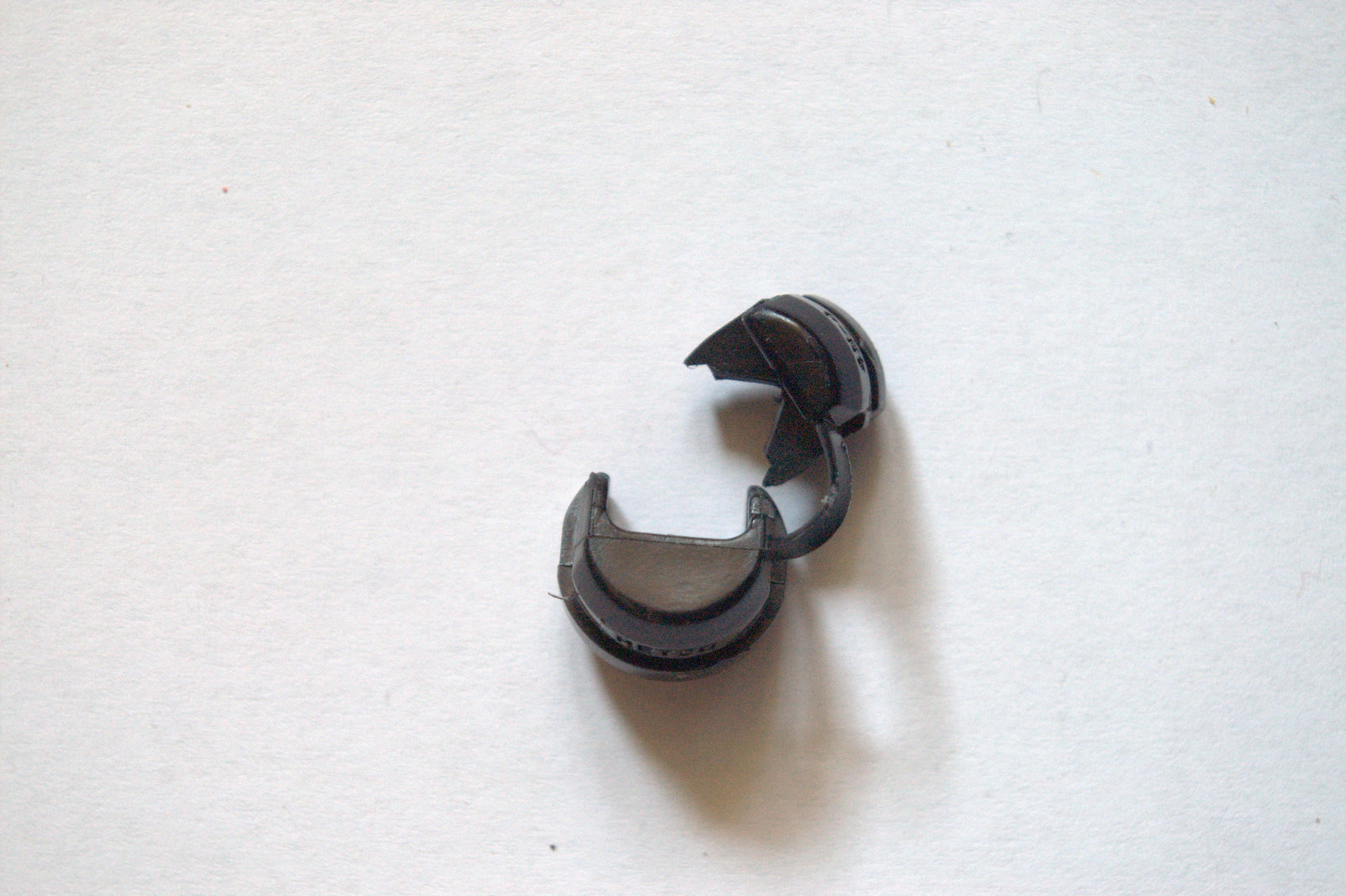
Open the Symbolics keyboard by removing the five screws at the bottom. Carefully remove the small PCB that sits on the larger one, unplug the spiral cable. Using a tool like a large screwdriver, remove the strain relief by pushing it to the outside of the case. Remove the cable, take off the strain relief. Using a pliers, cut out some of the plastic so that the part can be used for the round USB cable.
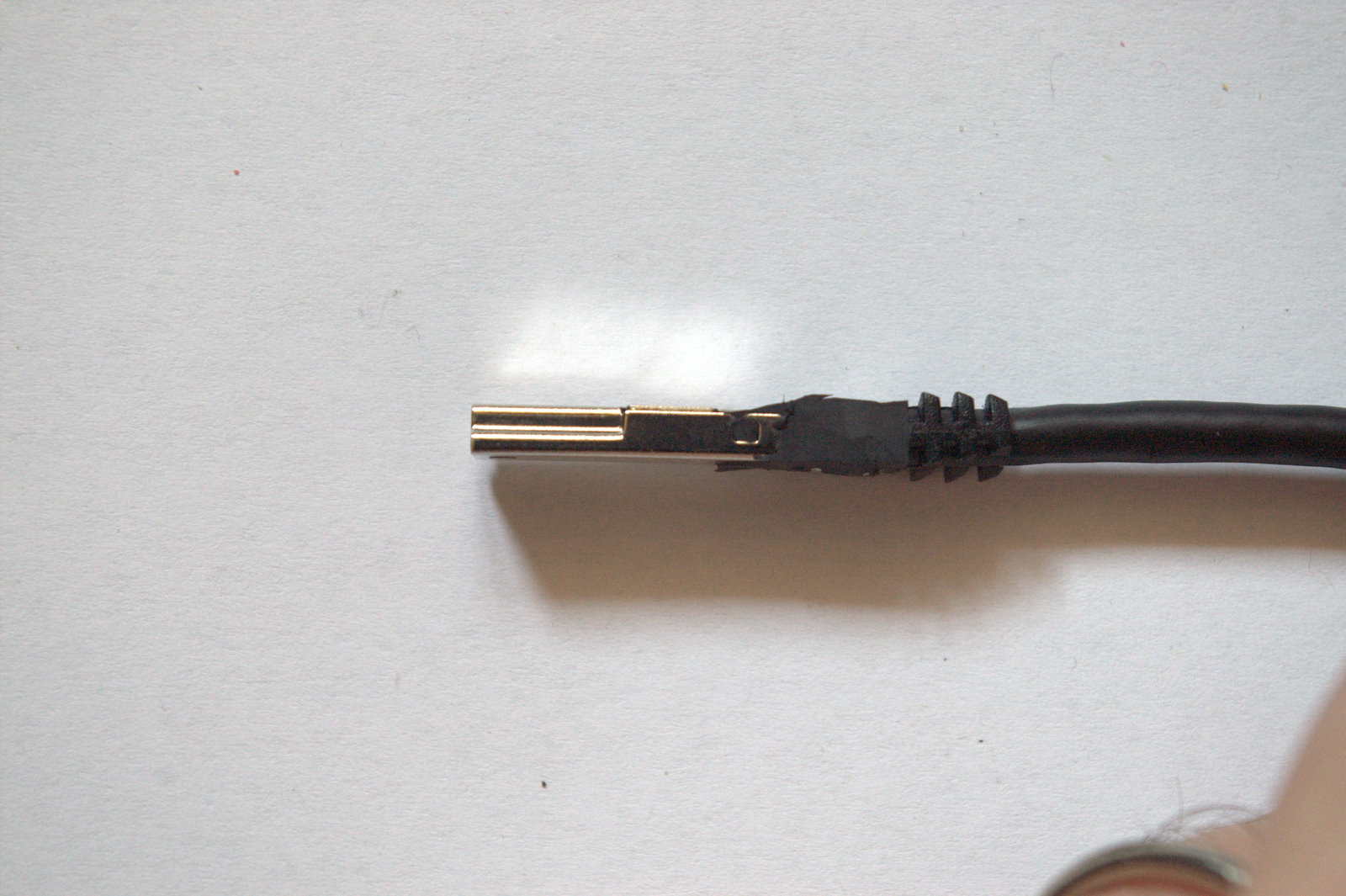
Using a sharp knife, make the B type connector of the USB cable as small as possible.
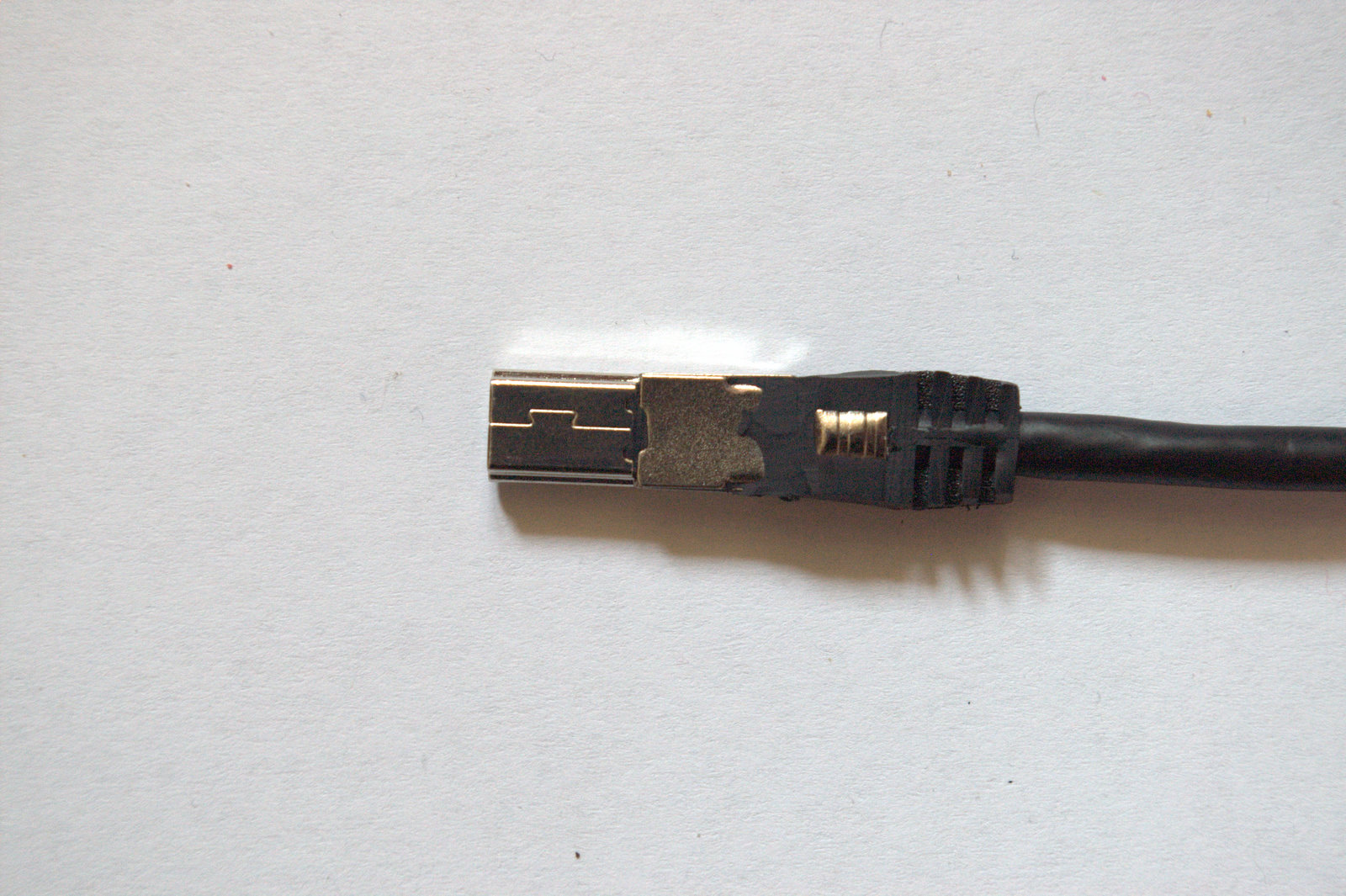
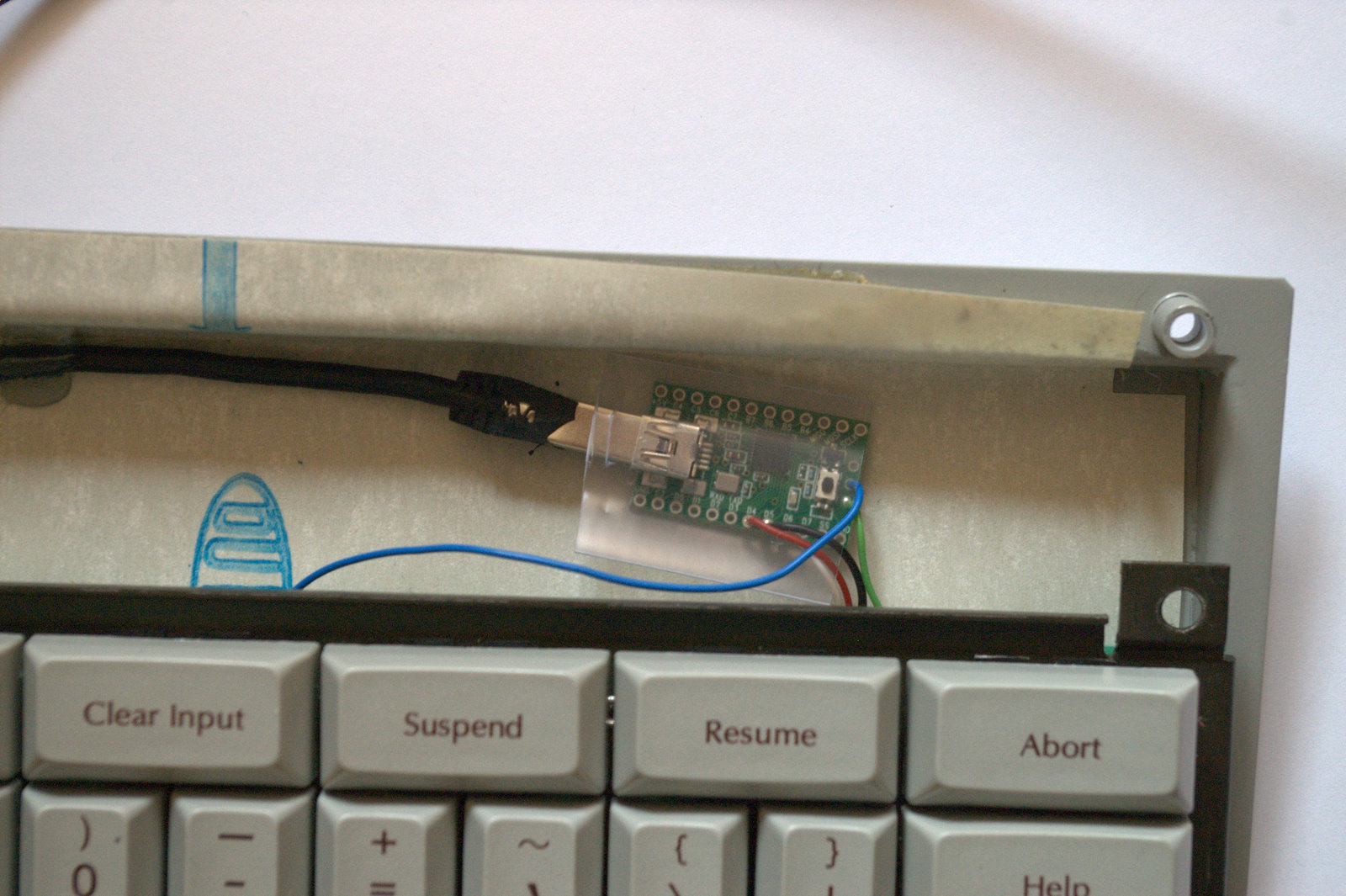
Put the strain relief onto the USB cable, about 4 inches away from the scaled down B connector. Using a tool, firmly put it back into the keyboard case. Fixate the cable to the bottom shell of the case like shown. Connect the Teensy to the USB cable, plug the header into the keyboard PCB.
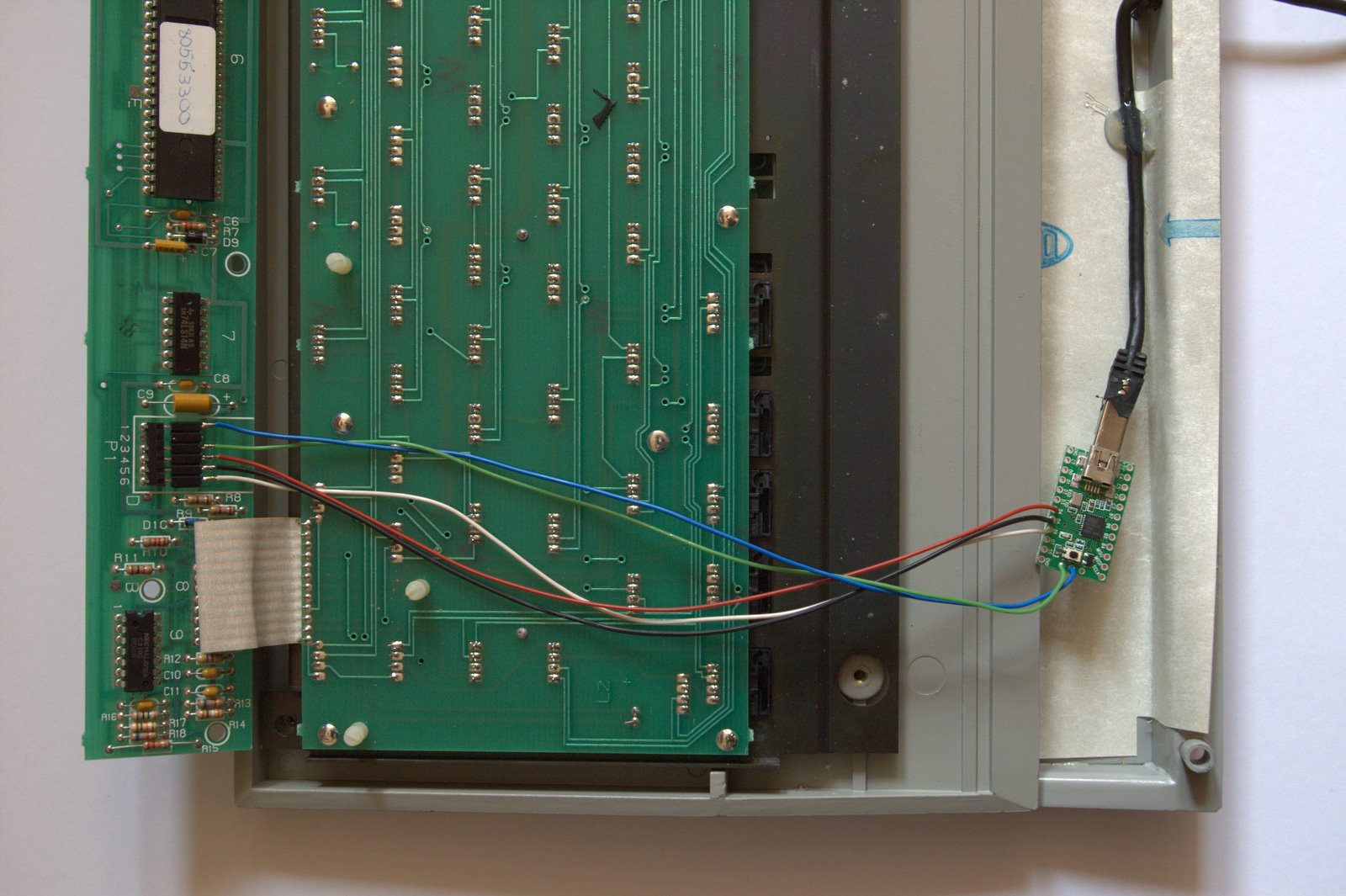
Put some protective plastic around the Teensy so that it does not short circuit anything on the keyboard PCB.
Finally, reassemble the keyboard. It should be easy to put the daughter PCB back onto the main PCB and fit the two shells together. You're done.
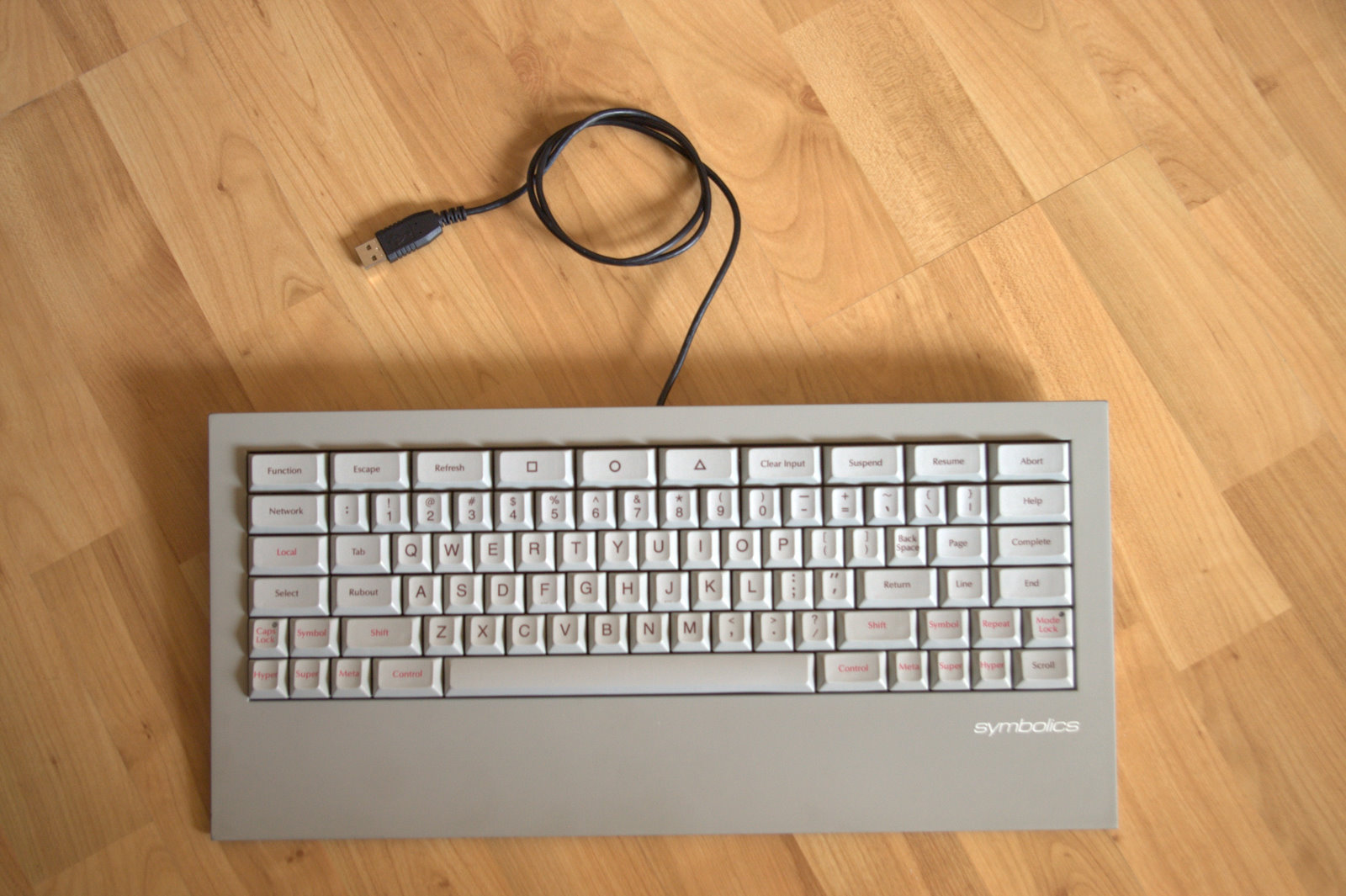
Make sure that you've read the README.txt file for the converter firmware. Note that if you want to convert your old-style keyboard, you need to know that the internal color coding of the cables is different with those keyboards. This blog post has a table with the information that you need. Have fun!